Download the IPTV app
Get BoxlyTV free from the App Store or Google Play on your phone, tablet, or Android TV.
IPTV Player · M3U · Xtream
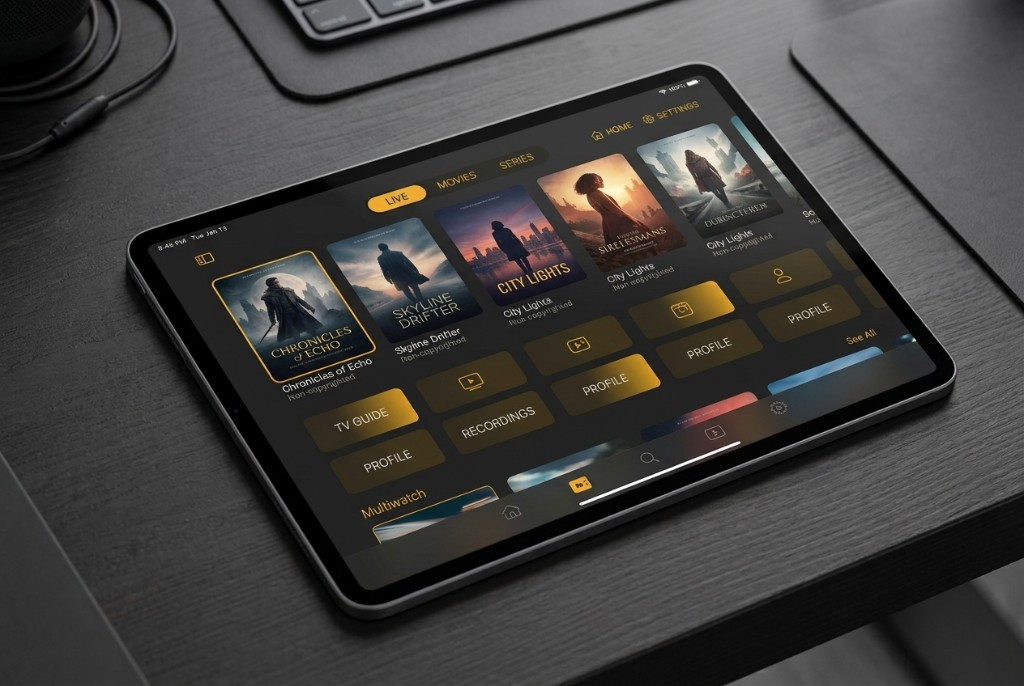
A free IPTV app for M3U and Xtream sources you already have. Clean interface on iPhone, Android, and Android TV.


Free to download · No subscription · No built-in channels
How it works
No account required. Install, add your source, and press play.
Get BoxlyTV free from the App Store or Google Play on your phone, tablet, or Android TV.
Paste an M3U / M3U8 URL or enter Xtream portal details from a source you are allowed to use.
Browse live channels and VOD from your playlist. Save favorites and continue where you left off.
Features
Everything you need in an IPTV player — without the clutter of a content store.
Clean catalogs from your playlist with posters, categories, and fast navigation for live and VOD.
Follow multiple live feeds at once — ideal for football, cricket, NBA, and channel surfing from your playlist.
Resume movies and episodes exactly where you stopped, on any supported device.
Pin channels and titles you love for one-tap access from the home screen.
Large-screen IPTV layouts with remote-friendly focus — great for living-room sports and movies.
Optional PIN inside the app to restrict access when you need it.
Guides
Learn how to use the player with sports, movies, M3U, and Android TV — always with your own authorized source.
Football, cricket, NBA, and more from playlists you add — with Multiwatch for big match days.
VOD catalogs, posters, continue watching, and favorites from your M3U or Xtream source.
How BoxlyTV works with M3U / M3U8 links and Xtream-compatible portals.
Living-room layouts, remote focus, and setup tips for Android TV devices.
FAQ
No. BoxlyTV is a media player only. You add your own authorized M3U or Xtream source. We do not provide, sell, or host any channels.
Yes — if your authorized playlist includes those channels. BoxlyTV is the player; Multiwatch helps you follow multiple live sports feeds. We do not provide sports streams ourselves.
Yes. If your playlist includes VOD movies and series, you get catalogs, continue watching, and favorites. Content comes from your source, not from BoxlyTV.
BoxlyTV runs on iPhone and iPad (iOS 17+), Android phones and tablets, and Android TV. Download from the App Store or Google Play.
Yes — the app is free to download. You only need a playlist or portal from a provider you already use.
Visit our Support page, Contact, or email support@boxlytv.com.
Download the free IPTV player and connect the playlist you already have.